Your best words,
ready in one tap.
QuickText inserts reusable text templates into any text field on the web. Reply faster, stay consistent and save real time every day.
Works on Gmail, Outlook, LinkedIn, WhatsApp, Slack, Notion and thousands more. No AI. Fully offline.
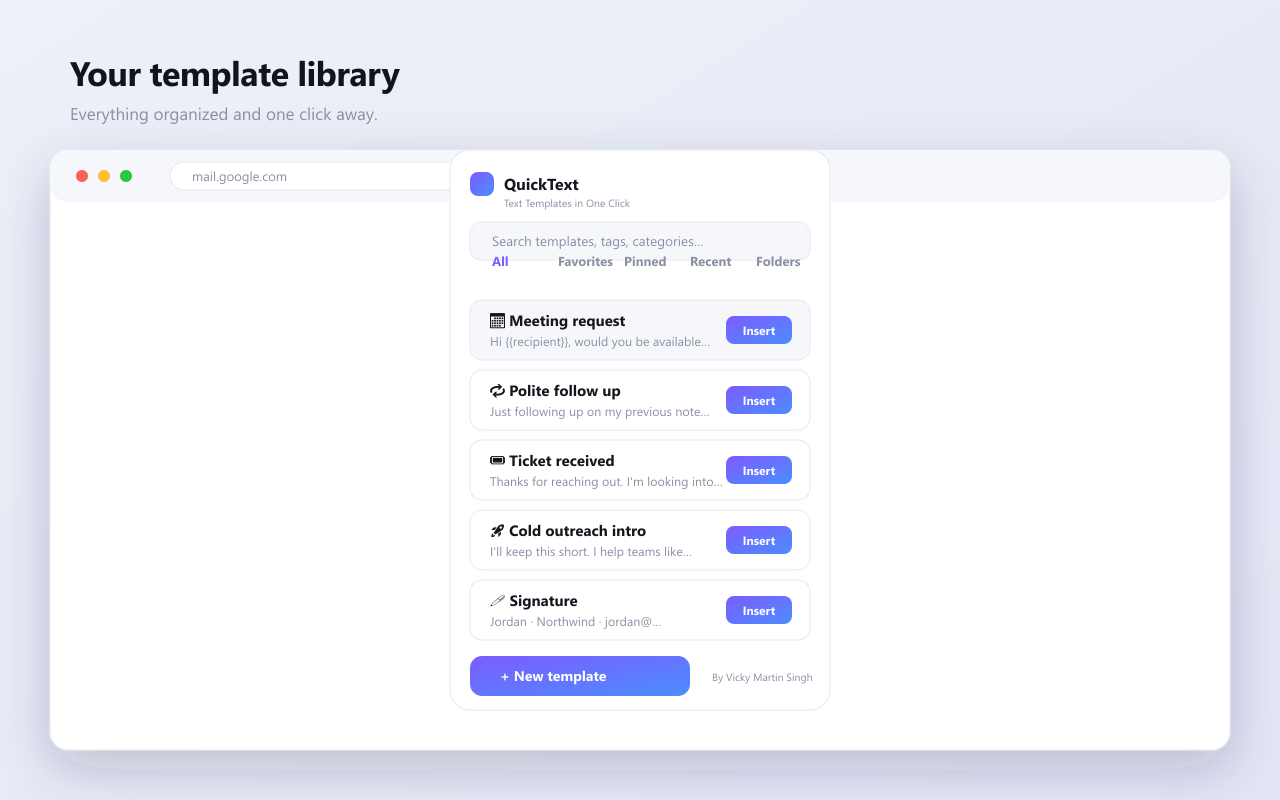
Everything you need to write faster
Powerful where it counts, quiet everywhere else.
Floating widget
A premium button appears in any text field. Drag it anywhere, resize it, recolor it or hide it. It remembers its spot per site.
Smart variables
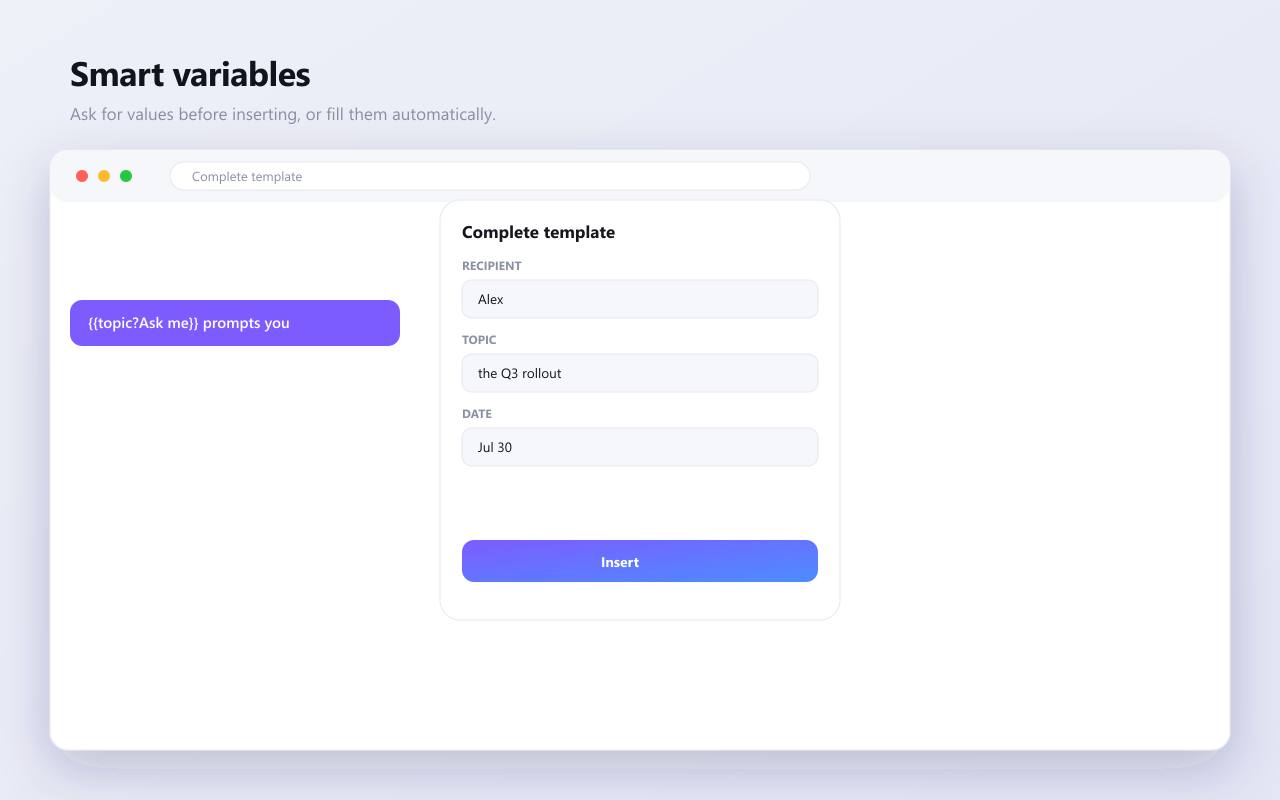
Use placeholders like name, date and clipboard, or ask for values right before inserting. No AI, fully deterministic.
Folders and tags
Organize unlimited templates with nested folders, categories, tags and color labels.
Instant search
Fuzzy search across titles, content, tags and categories finds any template in a keystroke.
Light and dark
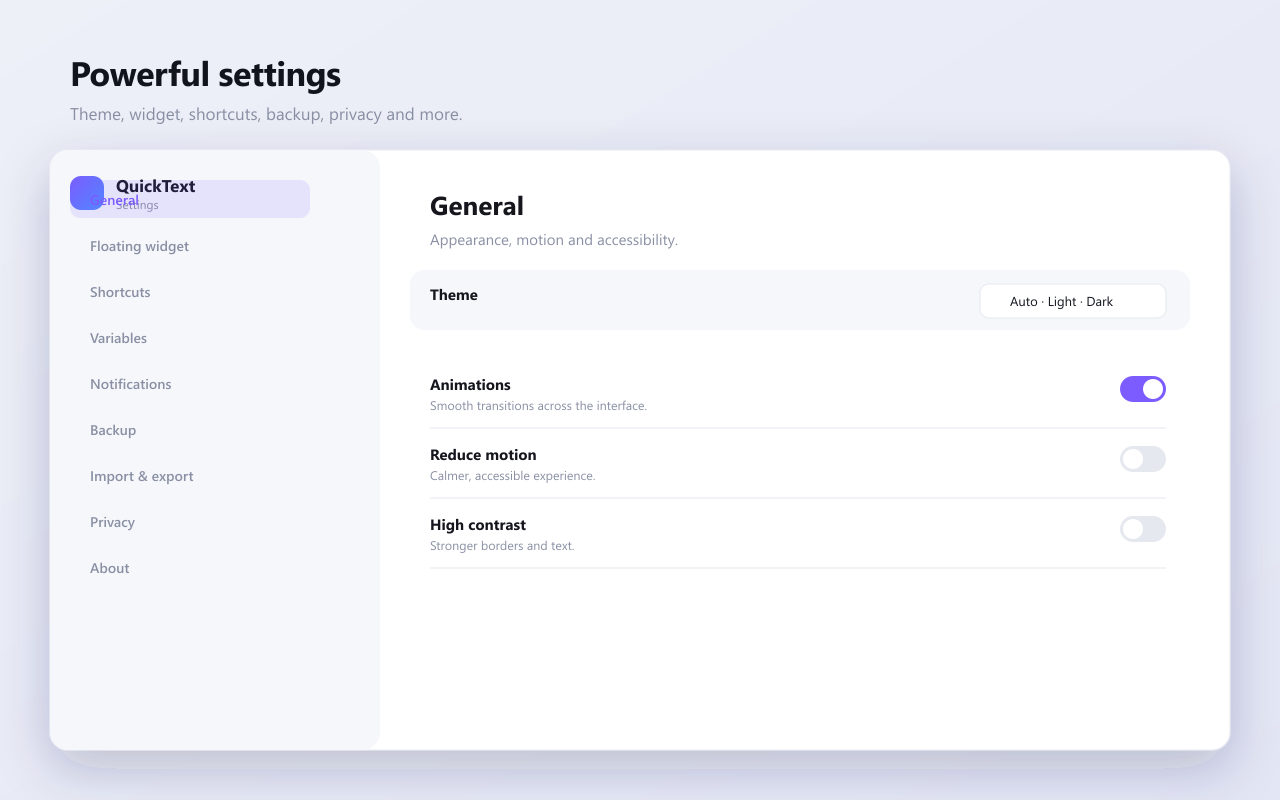
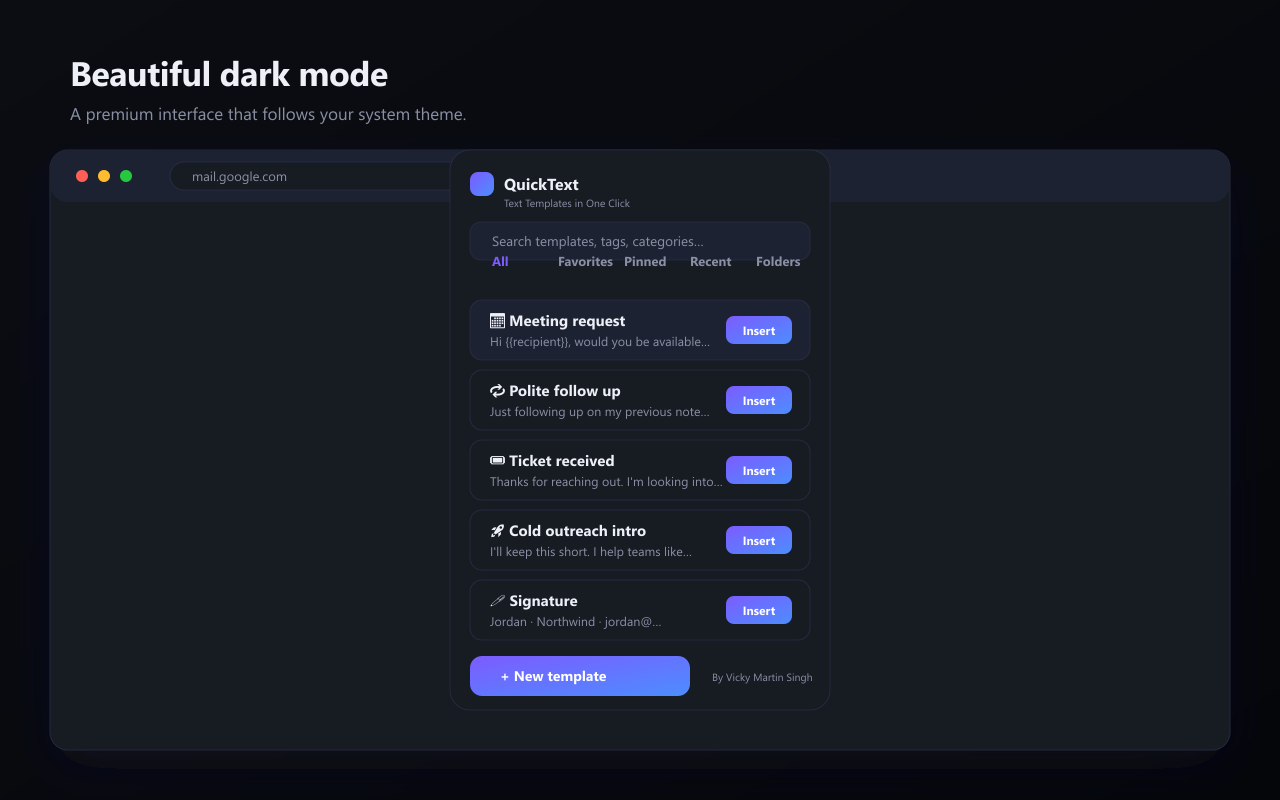
A polished interface that follows your system theme automatically, with high contrast support.
Private and offline
No accounts, no AI, no tracking. Your templates live on your device and sync only through your own Chrome account.
From install to insert in two minutes
Follow the visual guide with real screenshots.
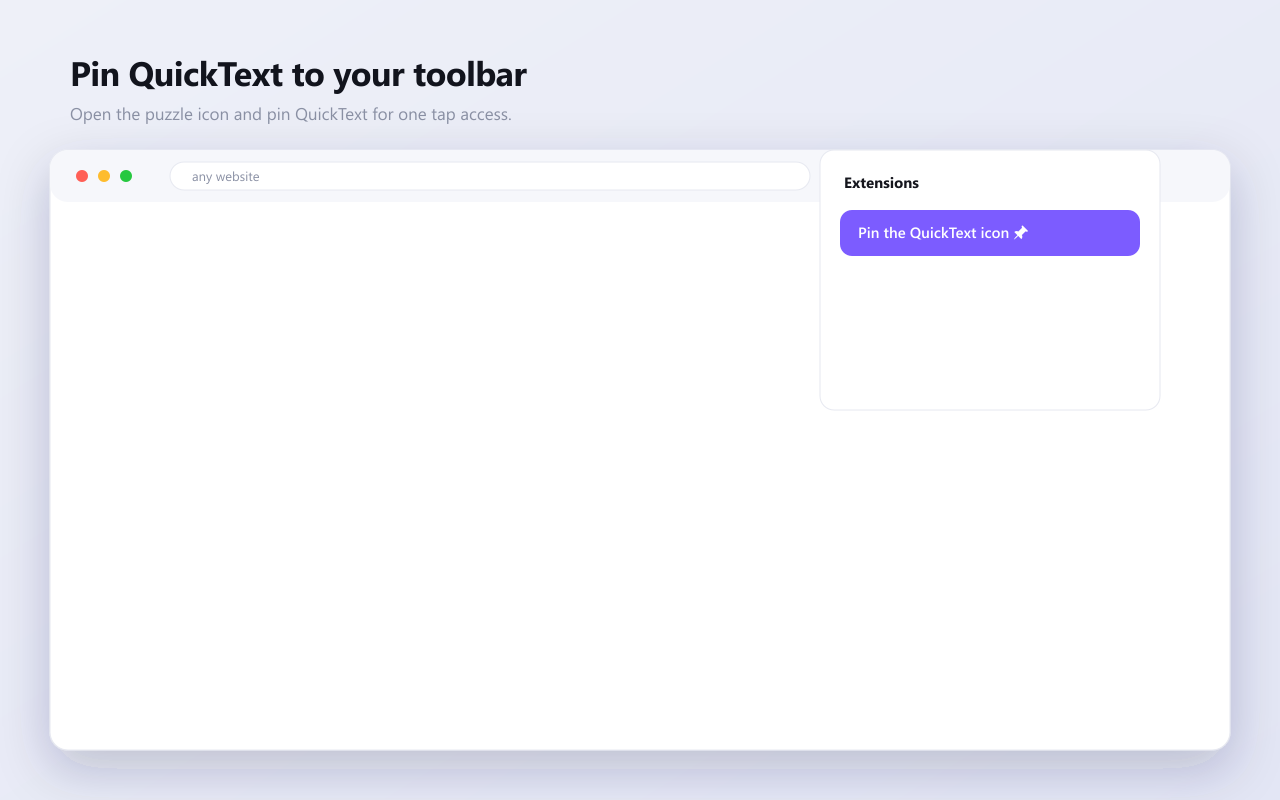
Install and pin QuickText
Add QuickText from the Chrome Web Store, then pin it to your toolbar so it is always one click away.
- Click Add to Chrome and confirm
- Open the puzzle icon and pin QuickText
- A welcome tour opens on first run
Create your first template
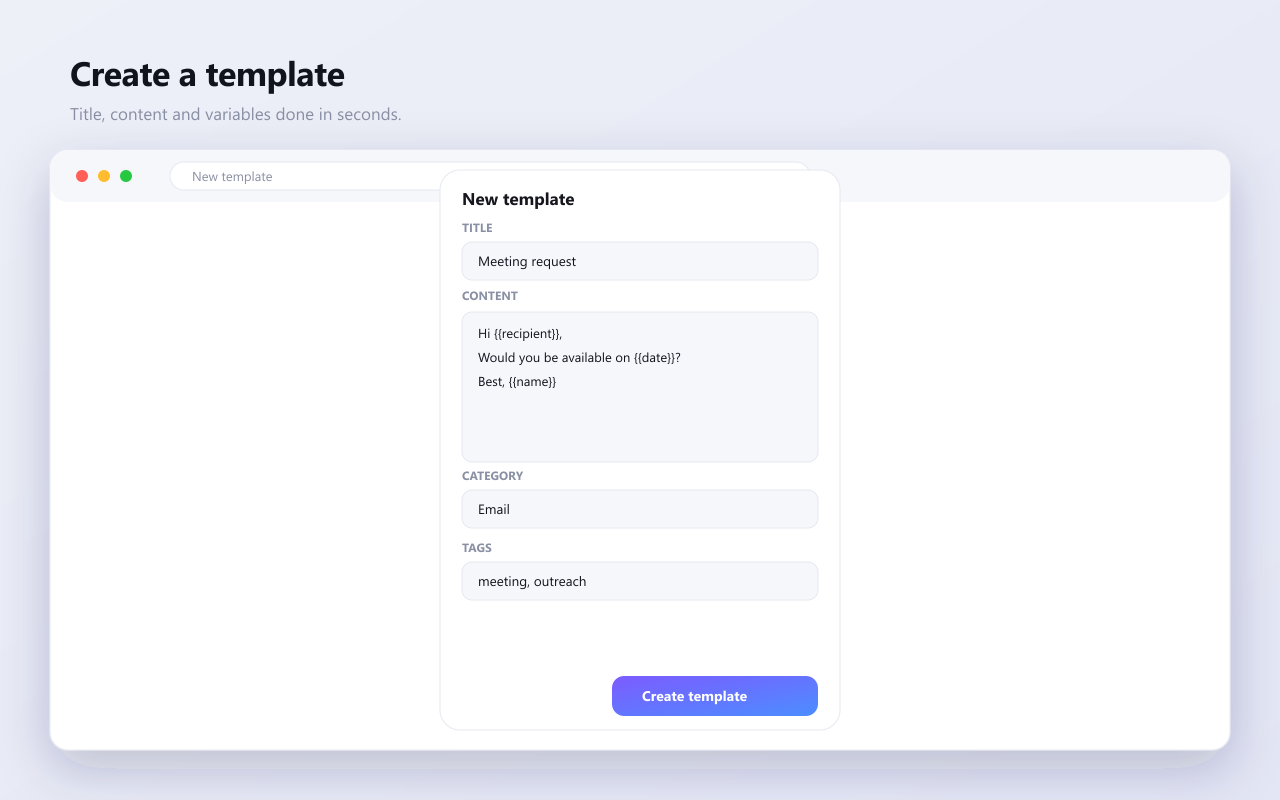
Open the popup and hit New template. Add a title and your content, then sprinkle in variables to personalize automatically.
- Plain text, rich text, Markdown, HTML or code
- Use {{name}}, {{date}} or {{topic?Ask me}}
- Organize with folders, tags and colors
Insert with the floating widget
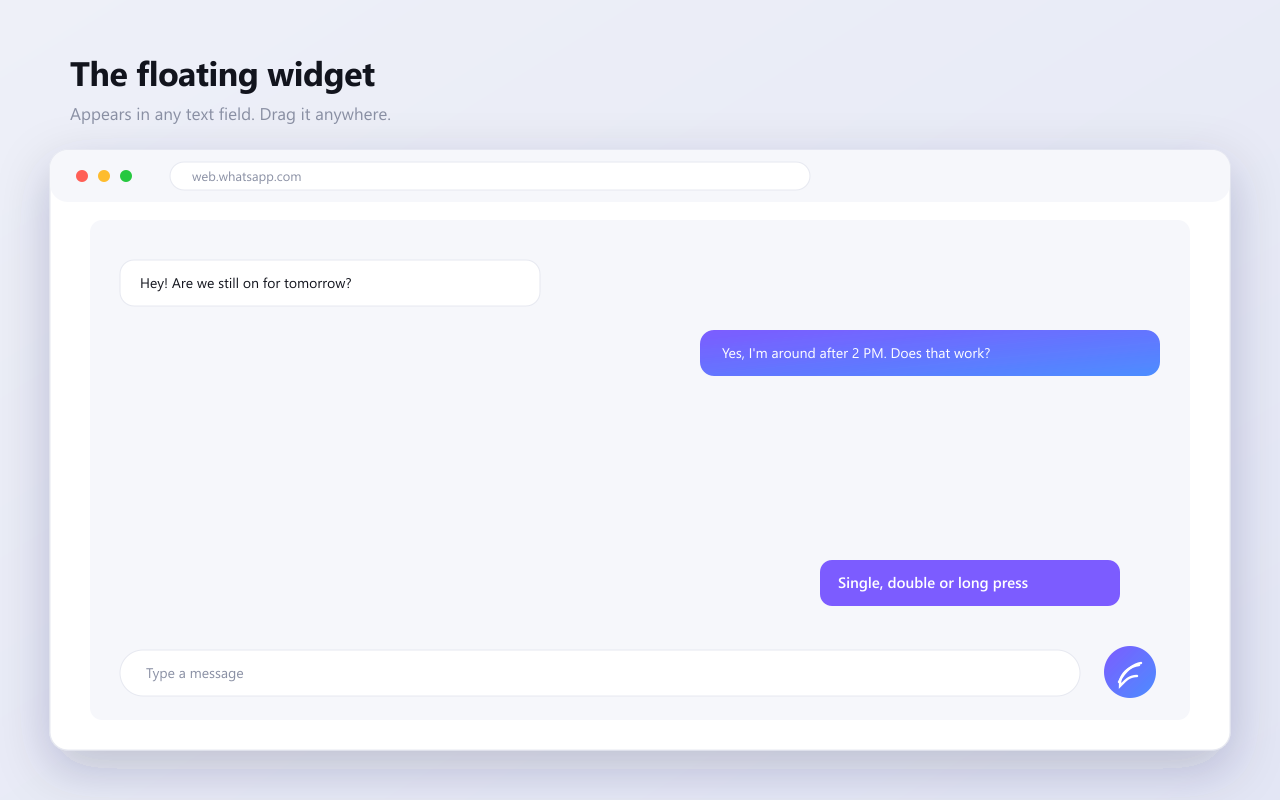
Focus any text field and the floating button appears. Single click for favorites, double click for everything, long press for settings.
- Drag it anywhere, it remembers per site
- Resize, recolor, lock or hide it
- It never blocks your typing
See QuickText in action
A premium experience on every screen, in light and dark.
Built like a product you will trust
Save real time
Stop retyping the same replies. Insert polished text in one tap, everywhere you write.
Stay consistent
Keep your tone, signatures and answers uniform across your whole team.
Work anywhere
Thousands of sites supported out of the box, from email to chat to support tools.
Personalize fast
Variables fill names, dates and custom values, or ask you right before inserting.
Questions, answered
What people say
Real reviews from the Chrome Web Store and our community.
QuickText cut my reply time in half. The floating button is genuinely a joy to use.
Customer Support Lead
My outreach is finally consistent. Variables fill in names and dates automatically.
Sales Development
I paste the same messages all day. One click and it is done. Wish I found it sooner.
Recruiter
No AI, no accounts, works offline. Exactly the simple tool I wanted.
Founder
Start saving time today
Free forever. No account needed. Add QuickText and focus a text field to begin.
Add to Chrome